
WordPress analytics plugin
A WordPress analytics plugin that keeps your database clean.
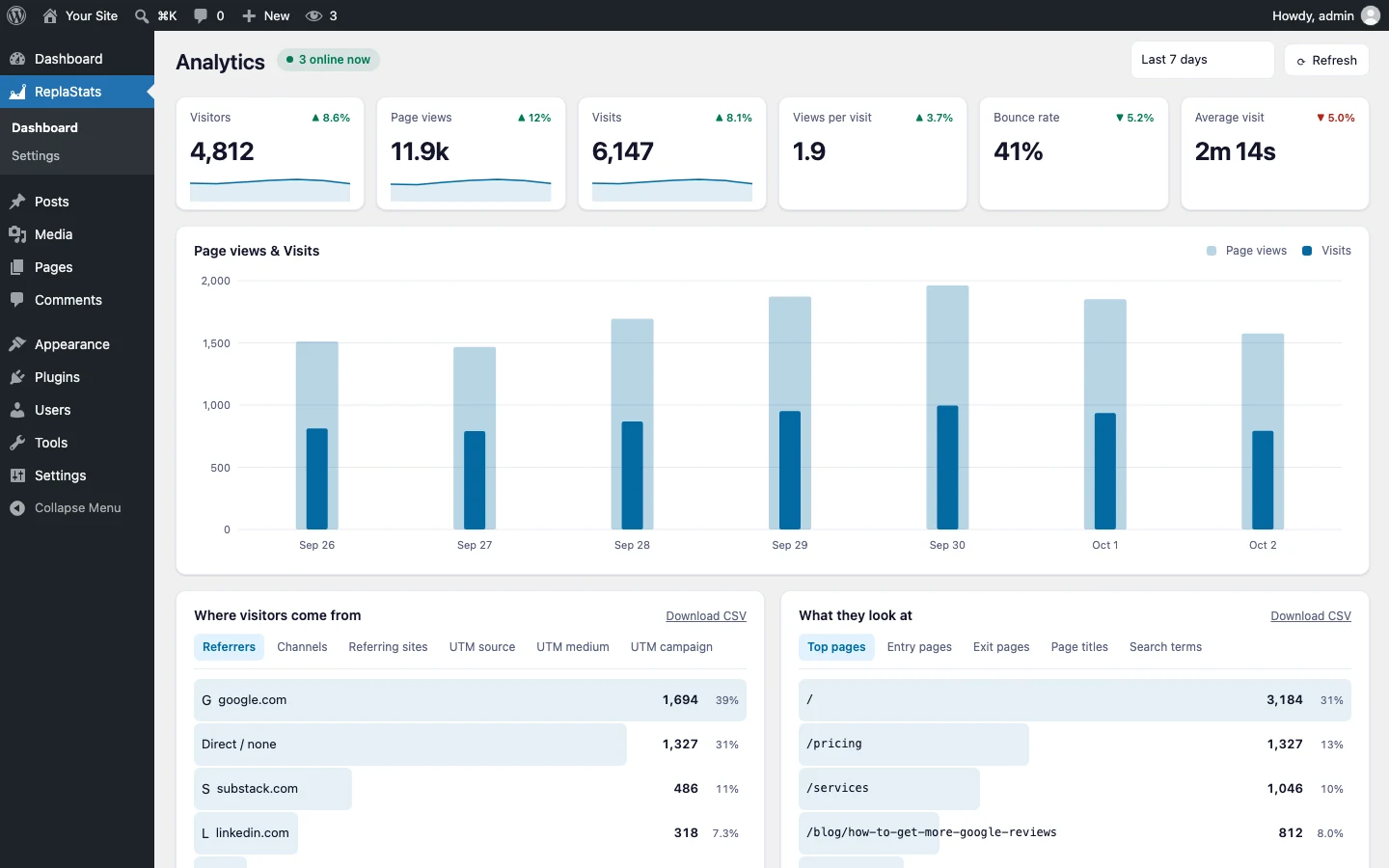
The ReplaStats plugin puts your statistics inside wp-admin: visitors, sources, top pages, countries, browsers, events and live traffic. The numbers live on a separate analytics server, not in your WordPress database, so the site never gets heavier. Cookieless, and included with every paid plan from $9 a month.
What it shows
Every report you check, without leaving WordPress
Six numbers, with the change
Visitors, page views, visits, views per visit, bounce rate and average visit, each against the period before.
Where they came from
Referrers, channels and referring sites, plus UTM source, medium and campaign for your own links.
What they read
Top pages, entry and exit pages, page titles and search terms, each with a CSV download.
Who they are
Countries and browsers, counted without cookies and without storing anyone’s IP address.
What they did
The events you track, such as sign-ups, downloads and button clicks, listed beside the page views.
Who is here now
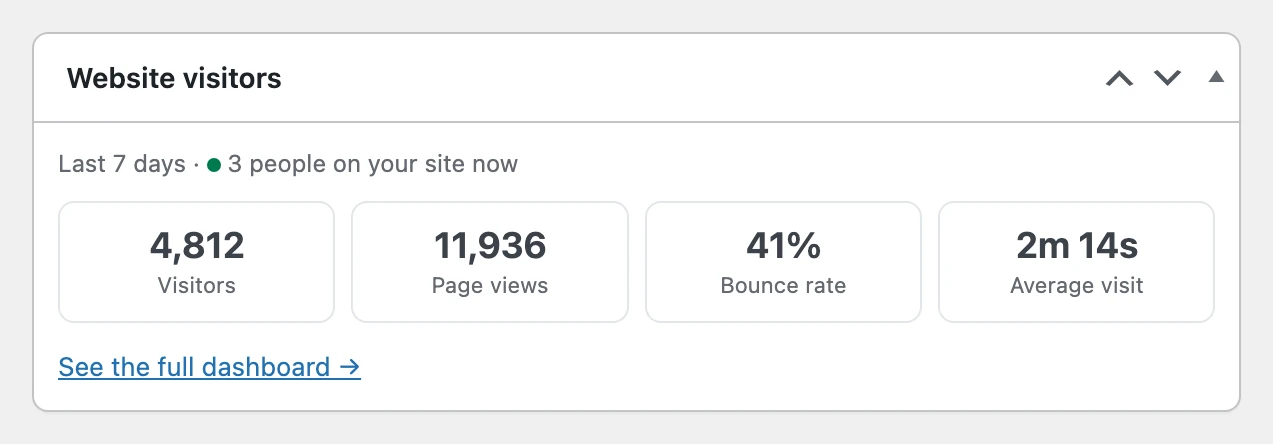
A live count in the admin bar, and a widget on the WordPress dashboard with the week at a glance.
Compared
How it compares with other WordPress analytics plugins
Most analytics plugins write every visit into your WordPress database, which grows month after month. ReplaStats keeps the numbers on its own server, and on Pro and Agency every site sits on one board.
| Plugin | Where the data lives | Cookies by default | Paid price |
|---|---|---|---|
| Burst Statistics | Your WordPress database | Yes; cookieless is a setting | Free; Pro from $49 a year |
| Independent Analytics | Your WordPress database | None | Free; Pro from $49 a year |
| WP Statistics | Your WordPress database | None | Free; Premium from $119 a year, introductory |
| Koko Analytics | Your WordPress database | One cookie, under 24 hours | Free; Pro priced in euros |
| MonsterInsights | Google Analytics | Google Analytics’ cookies | Lite free; Plus from $99.50 a year, introductory |
| ReplaStats | Its own analytics server | None | Included with hosting from $9 a month; $29 once for your own server |
Getting it
From plan to numbers in three steps
- Choose a plan and tell us your site. Every paid plan includes the plugin.
- Upload the plugin we send you under Plugins → Add New → Upload, and activate it. It arrives already connected, so there is no tracking code or key to paste.
- Open ReplaStats in wp-admin. The first visits show up within minutes.
Running your own analytics server? The plugin on its own is $29 once: point it at your server in its settings, and it is yours to keep. The install page covers every other platform too.
Questions people ask
Is the ReplaStats plugin free?
It is included with every paid plan, from $9 a month. On its own it costs $29 once, for people who run their own analytics server. The Free plan uses the one line of code instead of the plugin.
Will it slow WordPress down?
No. The counting script is 4.7 KB and loads deferred, and the statistics are stored on our server, not in your WordPress database.
Do I need a cookie banner?
Not for ReplaStats: it sets no cookies and stores nothing in the visitor’s browser. Other plugins on your site that set cookies may still need one.
Can I see several WordPress sites together?
Each install shows its own site. On Pro and Agency, the overview board shows every site side by side, whether it runs on WordPress or not.
What happens to the plugin if I cancel?
If you had a paid plan, the plugin stays yours and keeps working. You drop to the Free plan’s three months of history, or you point the plugin at your own server.
Your statistics in wp-admin. Your database left alone.
Included with every paid plan, with no traffic limit on any of them.
Also compared: heatmaps for WordPress · cookieless analytics tools · Google Analytics