

Privacy analytics is website measurement that counts visitors without building profiles of them. When you buy, the distinction that matters is between tools that never collect personal identifiers and tools that collect them and hide them behind a consent banner. The first kind usually lets you drop the banner. The second kind leaves you with a compliance task. Pricing then splits by pageviews, by site, or by plan tier.
TL;DR:
- "Privacy analytics" means two different things: cookie-free web traffic measurement, and de-identification software for health and enterprise data. Make sure you are shopping for the right one.
- Cookieless does not automatically mean consent-free. Under EU law, consent depends on what the tool stores or reads on the device and on what it does with the data.
- Pricing comes in three shapes: pageview tiers, per-site fees, and flat multi-site plans. If you run more than three sites, per-site fees usually cost the most.
- Self-hosting is free in license terms and expensive in hours. For most freelancers and small agencies, a hosted tool is the cheaper choice.
- Test any tool before paying: load your site with DevTools open, confirm nothing is written to the browser, and export your data once.
Table of Contents
- What "Privacy Analytics" Means, and Which Meaning You're Buying
- What Makes Analytics Private, and What Only Looks Private
- Does Cookieless Mean No Banner? What the Law Actually Says
- How Privacy Analytics Pricing Works, and Where Each Model Bites
- The Multi-Site Math: Why Per-Site Fees Hurt Agencies
- Self-Hosting vs Hosted: When Free Costs More
- What You Give Up When You Go Cookieless
- A 20-Minute Buying Checklist for Privacy Analytics
- Get a Cookie-Free View of Every Site You Run, Without a Banner
- Frequently Asked Questions
- Sources
What "Privacy Analytics" Means, and Which Meaning You're Buying
Search "privacy analytics" and you get two different markets mixed together. One is privacy-friendly web analytics: a script on your website that reports visitors, sources and top pages without cookies or personal profiles. The other is enterprise software that de-identifies health, clinical or customer records so the data can be shared and analyzed. They share a name and almost nothing else.
If you run websites, you want the first one. You are choosing how to answer "how many people visited, from where, and which pages worked" without tracking individuals across the web. Nobody in that market needs a data science team or a procurement cycle. They need a script tag, a dashboard and a bill they can predict.
This guide covers that first meaning, with a bias toward people who manage several sites. I say where I would spend the money, and I say where the cheap option costs you more than it saves.
What Makes Analytics Private, and What Only Looks Private
A tool is private when it has no reason to remember you. It does not set a persistent identifier, does not follow you from site to site, and does not hand your visitors' data to an ad network. Most marketing copy stops well short of that standard, so read each claim as a question rather than a fact.
| Claim on a pricing page | What it really tells you | What to verify |
|---|---|---|
| "Cookieless" | No cookie is set | Whether it writes to localStorage or builds a fingerprint instead |
| "IP anonymized" | The address is altered at some point | Whether the full IP ever reaches server logs before truncation |
| "Hosted in the EU" | Where the data sits | Nothing about consent. Location alone does not remove it |
| "No consent banner needed" | The vendor's legal opinion | Your own configuration and your own jurisdiction |
The row people trust most is the last one. A vendor can describe how its tool behaves. It cannot decide whether your site's setup, your other scripts and your local regulator agree.
Does Cookieless Mean No Banner? What the Law Actually Says
Not automatically, and the reason is worth five minutes. The EU's ePrivacy Directive requires consent in Article 5(3) before a site stores information on, or reads information from, a visitor's device, unless the access is strictly necessary for a service the user asked for. That rule is about the device, not about the word "cookie." The European Data Protection Board's guidelines on Article 5(3) make clear it reaches beyond cookies to techniques such as tracking pixels and unique identifiers.
Separately, the GDPR treats online identifiers, including IP addresses, as potentially personal data (Recital 30). A tool that stores nothing on the device can still process personal data if it keeps raw IPs.
There is a narrow path through. France's regulator, the CNIL, has said that audience measurement can be exempt from consent if it meets strict conditions. The statistics must be aggregate, used only to measure your own site, and not combined with other processing or shared for other purposes.
Under the CNIL's audience-measurement exemption, a tracking cookie may live no longer than 13 months, and the data it feeds may be kept no longer than 25 months.
So what you want from a vendor is a tool that never needs the exemption: no device storage, no raw IP retention, no cross-site identifiers. For a deeper walk through what that means in practice, see our GDPR compliance checklist. This is general information, not legal advice. If you handle sensitive categories of data, ask a lawyer.
How Privacy Analytics Pricing Works, and Where Each Model Bites
Almost every vendor prices in one of five ways. The headline number matters less than how the model scales with your situation.
| Model | Fits best | Where it bites |
|---|---|---|
| Pageview tiers | One busy site | Bot spikes and viral days push you into the next tier, and the jump can be steep |
| Per-site fee | One or two sites | Cost multiplies with every client site you add |
| Flat multi-site plan | Freelancers and agencies | Caps on site count or history length |
| Free tier | Testing and hobby sites | One site, short history, few features |
| Self-hosted | People who already run servers | Your time for updates, backups and outages |
Pageview tiers feel fair until you remember that a pageview is not always a person. Bots, uptime monitors and a single press mention all count. Check how the vendor handles bot filtering before you trust a tier, and check what happens when you exceed it. Some tools throttle, some bill automatically and some stop recording.
If you are comparing on price alone, our guide to finding a cheaper privacy analytics alternative without traps goes through the common ones: history cut to 30 days, annual-only discounts and export limits.
The Multi-Site Math: Why Per-Site Fees Hurt Agencies

Here is an illustrative calculation, not a quote from any vendor. Say a tool charges $9 a month per site and you manage 12 client sites.
12 sites at $9 each is $108 a month, or $1,296 a year, before you have opened a single report.
Now compare a flat plan that covers every site for one monthly price. Even if the flat plan costs two or three times the per-site rate, you break even at around four sites and win from there. Most freelancers I would advise hit that point within a year.
Two cautions. First, a flat plan is only cheaper if its caps fit you. Look for the limit on sites, the limit on monthly pageviews across all sites combined, and the length of stored history. Second, a per-site model is still the right pick if you run one or two sites. Do not buy a multi-site tier to feel organized.
Self-Hosting vs Hosted: When Free Costs More
Open-source analytics you host yourself have no license fee, and that is the whole argument. The honest cost is time. You apply security updates, back up the database, watch disk space, and fix it when an upgrade breaks something on a Friday night.
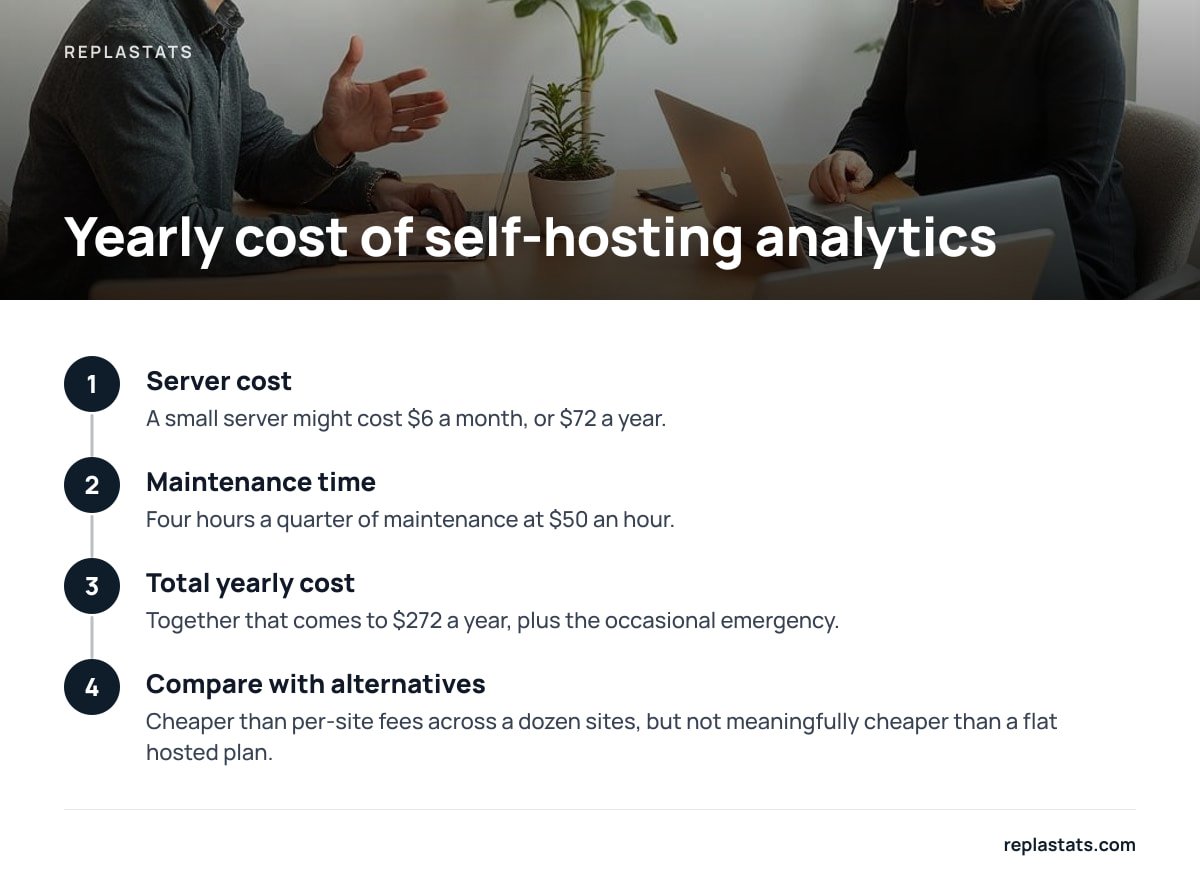
Run the numbers with your own rate. A small server might cost $6 a month, or $72 a year. Add four hours a quarter of maintenance at $50 an hour and you are at $272 a year, plus the occasional emergency. That is cheaper than a per-site model across a dozen sites, but not meaningfully cheaper than a flat hosted plan, and it leaves you responsible for the data.
My position: self-host only if you already administer servers for other reasons and want data to stay on hardware you control. For everyone else, a hosted tool that keeps analytics data on a separate server from your site's database gives you most of the isolation without the pager.
What You Give Up When You Go Cookieless
Cookieless analytics is not a free upgrade, and any vendor who says otherwise is selling. These are the real trade-offs.
- Approximate unique visitors. Without a persistent identifier, a person who visits on Monday and again on Thursday may be counted as two. Daily uniques are solid. Long-range returning-visitor counts are not.
- No cross-device stitching. The same person on a phone and a laptop looks like two visitors. That is the privacy feature working as designed.
- Thin ad attribution. You can see which referrer or campaign tag sent traffic. You cannot rebuild a full ad-platform conversion path, and if your business depends on that, you need a separate approach.
- Less demographic detail. No age bands, no interests. If a client asks for them, the answer is that you chose not to collect them.
For most small sites none of this matters. You mainly want to know which pages work, where visitors come from, and whether this week beat last week. If your real problem is that the default ad-funded tool has become unusable for those questions, why GA4 is so hard to use explains the cause, and how to choose a cookie-free tool that fits covers the alternatives.
A 20-Minute Buying Checklist for Privacy Analytics
Work through this in order before you enter a card number.
- Count your sites and traffic. Write down the number of sites and the combined monthly pageviews from the last 90 days. This tells you which pricing model fits.
- Read the script size. A lightweight deferred script, a few kilobytes, will not drag down page speed. A heavier one is a cost you pay on every visit.
- Install it on one real site. Use the free tier or trial. A staging site will not show you real bot traffic.
- Open browser DevTools. Under the Application tab, confirm no cookies and no localStorage entries are created by the tool.
- Check the history limit. Find out how long data is kept on the plan you would actually buy, not the top tier.
- Run an export. If you cannot get your data out cleanly, you are renting it.
- Read the data-processing terms. Look for where data is stored, what the vendor does with it and whether they act as your processor.
Pro Tip: Do the DevTools check twice: once with your own browser, and once after you have installed everything else on the page. A privacy-friendly tool can still end up working alongside a chat widget, an embedded video or an ad pixel that sets cookies of its own. The consent question belongs to the whole page, not to the one script you chose.
Get a Cookie-Free View of Every Site You Run, Without a Banner
The problem this article describes is simple: you run several sites on different platforms, you want one clear view of traffic, and you don't want to learn a complicated tool or add a consent prompt. Replastats is built for that. It installs with a single 4.7 KB deferred script or a WordPress plugin with reports inside wp-admin, and it keeps data on a separate server from your site. It shows visitors, sources, top pages and live traffic with no cookies. There is a free single-site tier, and paid Starter, Pro and Agency plans add longer history, session replays and heatmaps, and a multi-site board that puts every site on one screen. Pro and Agency also let you ask Claude questions about your analytics in plain language.
Here is the caveat. Session replays and heatmaps start at Starter, so the free tier will not give you them. They record behavior in more detail than page counts do, so check how any replay tool handles form fields and sensitive pages before you switch it on. Replastats pricing is on the plans page, and you should confirm the current site and history limits there before you commit.
Frequently Asked Questions
What is privacy analytics?
In web publishing, privacy analytics means measuring site traffic without tracking individual visitors across sites or storing persistent identifiers. The term is also used by enterprise vendors for software that de-identifies health and customer data, which is a different product category.
Do I need a cookie banner if I use cookieless analytics?
Not necessarily, but it depends on the tool and your setup. EU law covers any storing or reading of information on a visitor's device, not only cookies, and IP addresses can count as personal data. A tool that stores nothing on the device and keeps no raw IPs is far more likely to work without a banner, but other scripts on your page can still trigger one.
How much should privacy analytics cost?
Many tools offer a free tier for a single site, and paid plans typically scale by pageviews, by number of sites, or by feature tier. For one site, per-pageview pricing is usually fine. For several sites, a flat multi-site plan generally costs less than paying per site once you pass roughly four.
Is self-hosted analytics cheaper than a paid service?
The software may be free, but you pay in server costs and maintenance time. At a few hours of upkeep a quarter, self-hosting often lands close to the price of a hosted flat plan, with more responsibility. It makes sense mainly if you already manage servers.
What do I lose by switching from a traditional analytics tool?
You lose precise returning-visitor tracking, cross-device identification, demographic data and most ad-platform attribution. You keep visitor counts, traffic sources, top pages and trends, which is what most small sites actually use.
Sources
- ePrivacy Directive 2002/58/EC | EUR-Lex, European Union
- General Data Protection Regulation (EU) 2016/679 | EUR-Lex, European Union
- Audience measurement and analytics cookies guidance | CNIL
- Guidelines on the technical scope of Article 5(3) of the ePrivacy Directive | European Data Protection Board